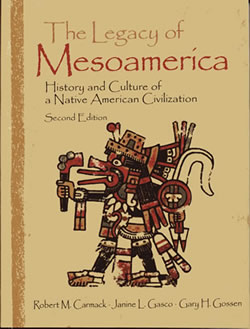
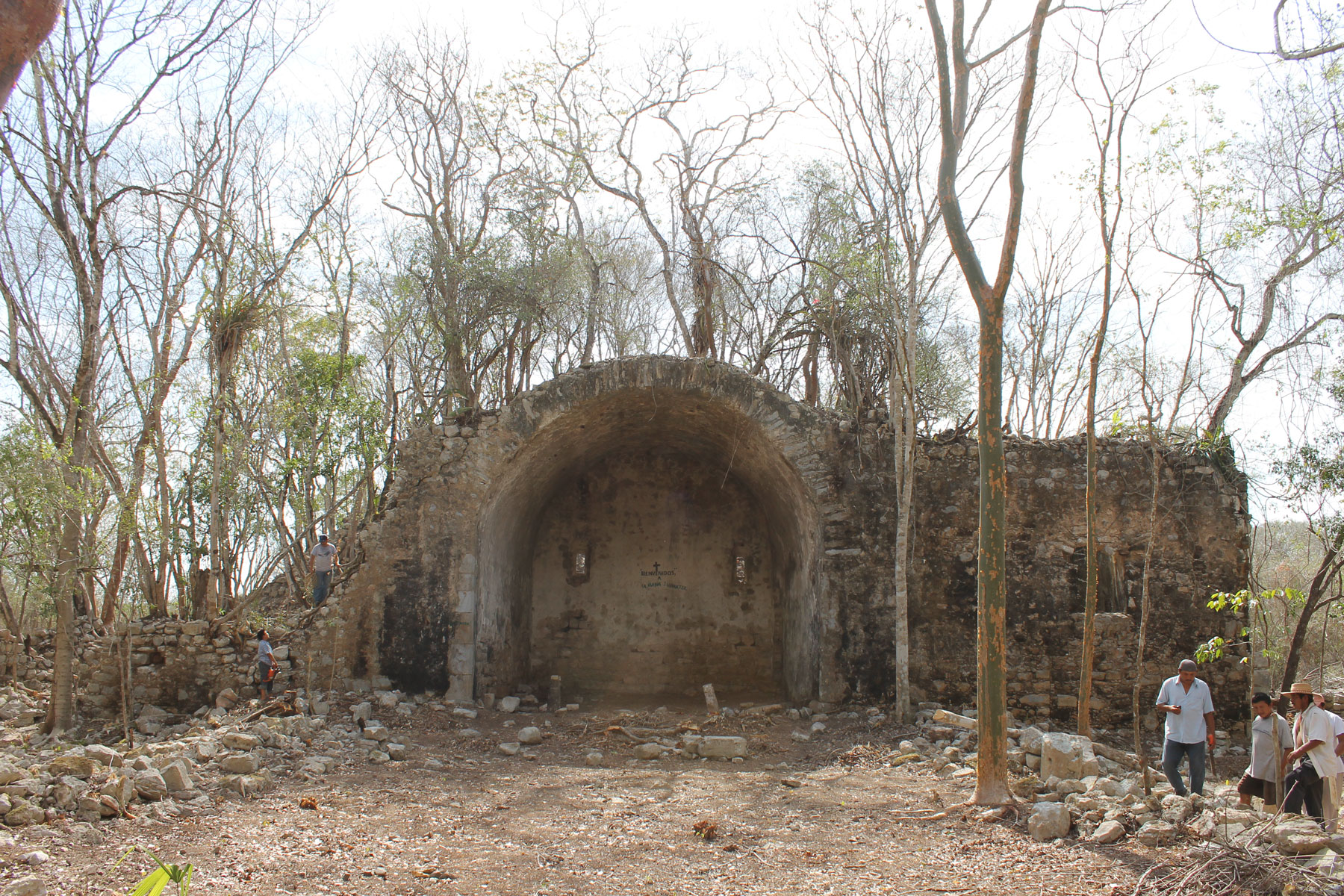
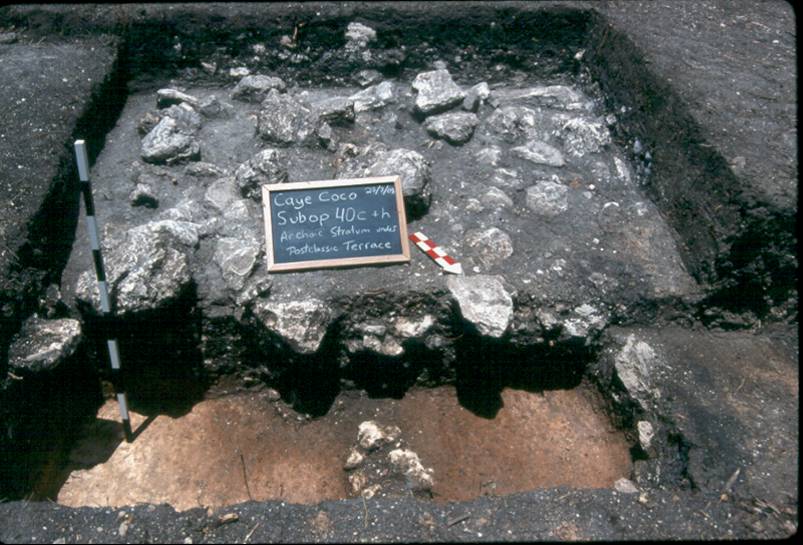
The Institute for Mesoamerican Studies (IMS) is a non-profit educational research institute dedicated to the study and dissemination of knowledge concerning the peoples and cultures of Mesoamerica (Mexico and Northern Central America).
IMS serves to organize and coordinate the work of the Mesoamericanist faculty at the University at Albany, SUNY. We have the largest number of full-time Mesoamericanists of any institution north of Mexico, and our members are among the most active and prominent scholars in the field of Mesoamerican anthropology.
The primary activities of IMS are research and publication.
Acerca del Instituto de Estudios Mesoamericanos (IMS), en español
El Instituto de Estudios Mesoamericanos (IMS) es un instituto educativo y de investigación dedicado al estudio y la diseminación de todo conocimiento referente a los pueblos y culturas de Mesoamérica del pasado y presente.
El Instituto IMS colabora en la organización y coordinación del trabajo de profesores Mesoamericanistas que trabajan en la Universidad de Albany, SUNY. Somos la universidad con el mayor número de investigadores Mesoamericanistas, de tiempo completo, al norte de México, y nuestros colegas y miembros del Instituto son investigadores activos y prominentes en los campos de la antropología, arqueología y linguística Mesoamericana.
Las actividades pricipales de Instituto son la investigación, la publicación, y la difusión de todo conocimiento referente a la región cultural de Mesoamérica.
A Brief History of IMS
By Robert Carmack, Former IMS Director (1975 to 1984)
Founding of IMS in 1975
One of the primary reasons for founding IMS was because of the complaints in the Department of Anthropology that MA affairs were dominating departmental meetings and activities to the detriment of other interests in the department.
Our proposed institute was approved that year by the VP of Research, and we were given office space and a small amount of funding. We had hoped that IMS would be elevated to priority status within the set of University research centers and thereby receive sufficient funding to finance research projects and obtain release time for faculty members. Unfortunately, that never happened.
I should also add that we expected the Institute to be primarily oriented to carrying out research projects, and that there would be close collaboration between the different members of the Institute in each project.
The first Executive Board consisted of Robert Carmack as Director, Peter Furst as Assistant Director, and Dean Snow as "Comptroller" (as we called the position in those days). The other founding board members were Peter Furst, Dwight Wallace, Lyle Campbell, Will Norman, and Florence Sloane.
The original list of Research Associates included such well-known Mesoamerican scholars as Ken Brown, James Mondloch, Marcus Winter, Ronald Spores, Nancy Troike, Ellen Messer, and Mary Elizabeth Smith.
The Utatlan Project in the 1970s
This project gave considerable impetus to IMS, especially when NSF provided $132,000 for the project (which was a lot of money in those days).
Most importantly, the funds were channeled through IMS, and there was extensive collaboration between the cultural, archaeological (especially Wallace and Brown), and linguistic (Campbell and Mondloch) specialists in the Institute.
It also gave rise to the first monograph of our long and prestigious publication list, and opened up an area of important tasks for IMS that we had not much contemplated in the beginning (we were so unprepared for publishing that we actually left out the date of the first volume).
The Chris DeCormier Scholarship, 1978
As most of you know this scholarship was created by Louise and Bob DeCormier to honor their son Christopher, who had been an undergraduate student at the University at Albany. It was their idea, they raised the funds for it, and asked IMS to administer it.
The original "Memorandum of Understanding" with the SUNY Research Foundation stated that the purpose of the fund was "to provide annual scholarship awards to undergraduate, or graduate students studying the Maya language and/or culture under the direction of IMS" (later we expanded this to include all MA studies).
Chris had represented the University and IMS when he carried out independent fieldwork on Mayan language and culture in Chichicastenango, Guatemala, and later assisted members of IMS in advising the American Embassy in Guatemala on how to provide aid to the Mayas of Guatemala at the time of the tragic earthquake of 1976.
Chris' promising academic and personal life were cut short due to cancer in November of 1977.
Expansion of IMS in the 1980s
The 1980s brought in several new board members, whose Mesoamerican credentials greatly enhanced the prestige of the Institute and provided new leadership and direction.
The new members included Jill Furst, Gary Gossen, Richard Leventhal, Jorge Klor de Alva, Liliana Goldin, Brenda Rosenbaum, and James Wessman. Klor de Alva soon became director and Leventhal assistant director (apparently the comptroller position sort of disappeared), until Jorge left for Princeton in 1989 (which turned out to be only a "whistle stop" on his journey westward), and Richard left for UCLA the following year.
This was a period of expansion of IMS research projects (in Belize, Chiapas, Central Mexico), as well as the publication of several new IMS volumes (now being distributed through University of Texas Press).
In a letter to the DeCormiers at mid-decade, IMS director Gary Gossen could argue that despite the financial hard times the institute had become "one of a handful of high quality research centers in MA studies in the US."
Changing generations within IMS in the 1990s
One of the key developments for IMS during this period was the transfer of administrative jurisdiction over it from the Research Office to the Dean's office in the College of Social Sciences. Dean Webb became the best patron of IMS within the University that we have ever had.
Besides providing funding for our operational costs, the Dean made it possible for us to create the position of Director of Research, and fill that position with Jan Gasco; as well as to replace departing board members with a new generation of young Mesoamerican scholars: Louise Burkhart, Michael Smith, John Justeson, Marilyn Masson. Among other things, this enabled us to achieve a better Affirmative Action balance on the board (from the original 6 white males to four females and five male board members).
During the 90s, under the directorship of Gossen, Burkhart, and Smith we reorganized our internal structure, got our finances in order, and expanded the number and quality of our publications.
More importantly, we launched new, highly professional, and well financed research projects in Morelos Mexico, Central Mexico, Belize, Costa Rica, Nicaragua, Guatemala, and the Mixe-Zoque area of Mexico. Throughout all these years of change, growth, and struggle, the most important constant and symbol of IMS pehaps has been the DeCormier scholarship.
Year after year, without fail, the award has been given to the best of our MA graduate students,, according to my account. And Bob and Louise have personally handed out the awards at every one of those ceremonies.
Their commitment to Chris's memory and to the goals of IMS has been unfailing, and we have been touched at each year's ceremony by their words, poetry, singing and at times tears.
Truly, they epitomize the intellectual and humanistic qualities that defined their son Chris, and for that we members of IMS will always be grateful.
Related Links
A list of resources that might interest to researchers in Mesoamerica, organized by alphabetical order. Their inclusion on this page does not indicate that IMS endorses them, nor does it imply that we screen them for content or accuracy. For any suggestions, please feel free to contact us at [email protected]
- ArqueologÍa Mexicana
- CUNY Mexican Studies Institute
- Dumbarton Oaks Research Library and Collection
- Edgewalker
- Foundation for the Advancement of Mesoamerican Studies, Inc. (FAMSI)
- Hudson Museum Events Calendar
- Maya Educational Foundation
- Mayan Epigraphic Database
- Peabody Museum of Archaeology and Ethnology
- Precolumbian Art Research Institute
- UAlbany Department of Latin American,Caribbean and US. Latino Studies