


Degrees
Master's
Doctoral
Certificates
Department News

Grads at a Glance: A Young Teacher’s Dream Comes Full Circle
Maria Latorre, 23, is about to fulfill her childhood dream. She graduates from UAlbany this summer with a Master of Science in Special Education and Literacy, and plans to take a job teaching full time in a local school district.

UAlbany ‘Promising Researcher’ Strives Toward Excellence, Social Justice in Literacy Education
Scott Storm, an assistant professor of literacy in UAlbany’s School of Education, was selected as the 2025 recipient of a Promising Researcher Award from the National Council of Teachers of English, given each year to one individual worldwide on the basis of a research paper they submit within two years after earning their PhD.

UAlbany School of Education Faculty Presenting at AERA 2025
The annual meeting of the American Educational Research Association (AERA) begins this week and UAlbany School of Education faculty, students and alumni will be there in numbers to present research on a multitude of topics.

Meet Our New Faculty and Staff 2024-25
We welcome the experience and enthusiasm our new faculty and staff bring to UAlbany's School of Education.

Writing Project Celebrates 20 Years at UAlbany with Art Exhibition, Book Launch
The Capital District Writing Project, a local site of the National Writing Project based at UAlbany that works to enhance the teaching of writing in local schools, is celebrating its 20th anniversary this year with the launch of a permanent art exhibition and book commemorating its recent Freedom Dreaming for Educational Justice initiative.
Department Faculty & Staff


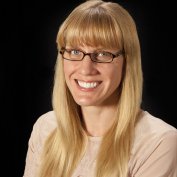

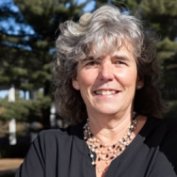
Associate Professor & Associate Dean; Dept Co-Chair
Catskill 353
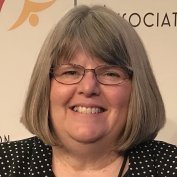
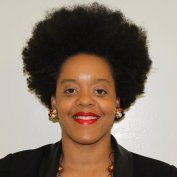




Contact the Department of Literacy Teaching and Learning
1400 Washington Ave Albany, NY 12222
Catskill 361
Phone
Office Hours
Virtual: Monday - Friday, 8 am-5 pm